 Remembell
Remember every dose.
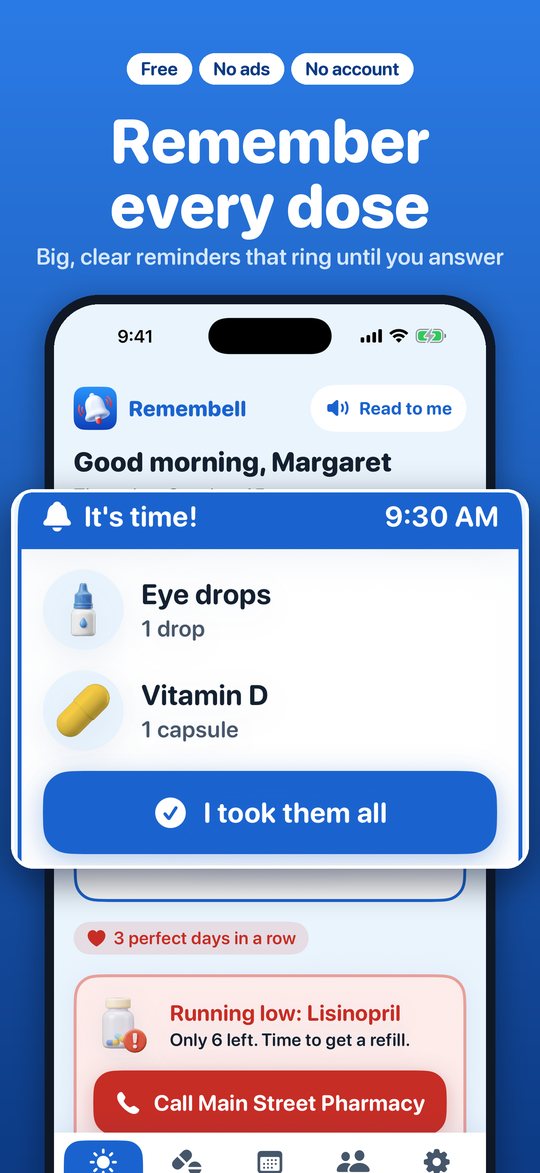
Remembell rings like an alarm clock at medicine time, shows what to take in big, clear words, and even double-checks that you really took it.
Coming soon to the App Store Free for iPhone and iPad. Questions? We're here to help.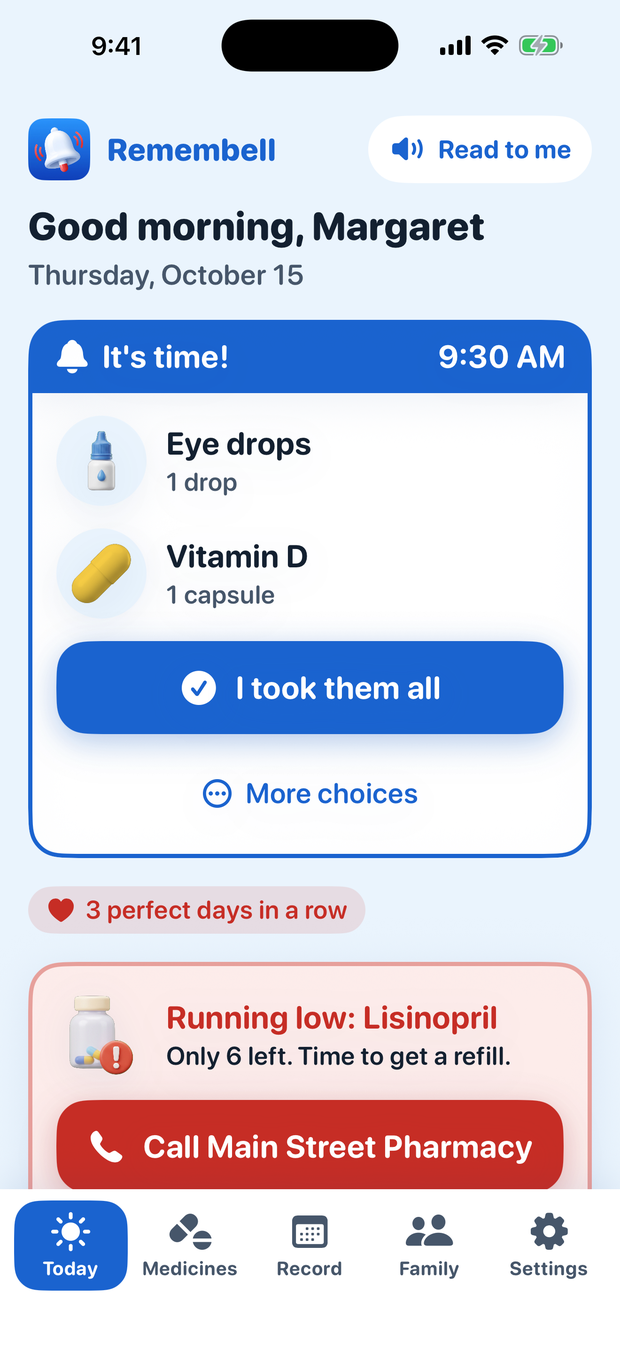
Made for real life — and real eyes.
Everything is big, simple and kind. One question at a time. Buttons you can't miss.
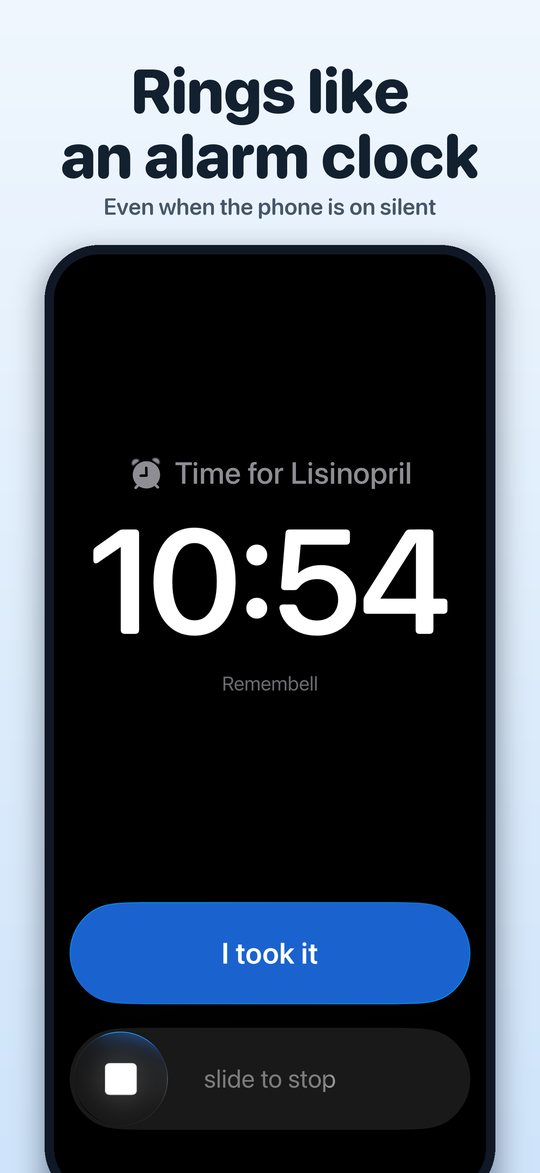
Rings until you answer
Loud like an alarm clock — even when your phone is on silent. It keeps reminding you until you say you took it.
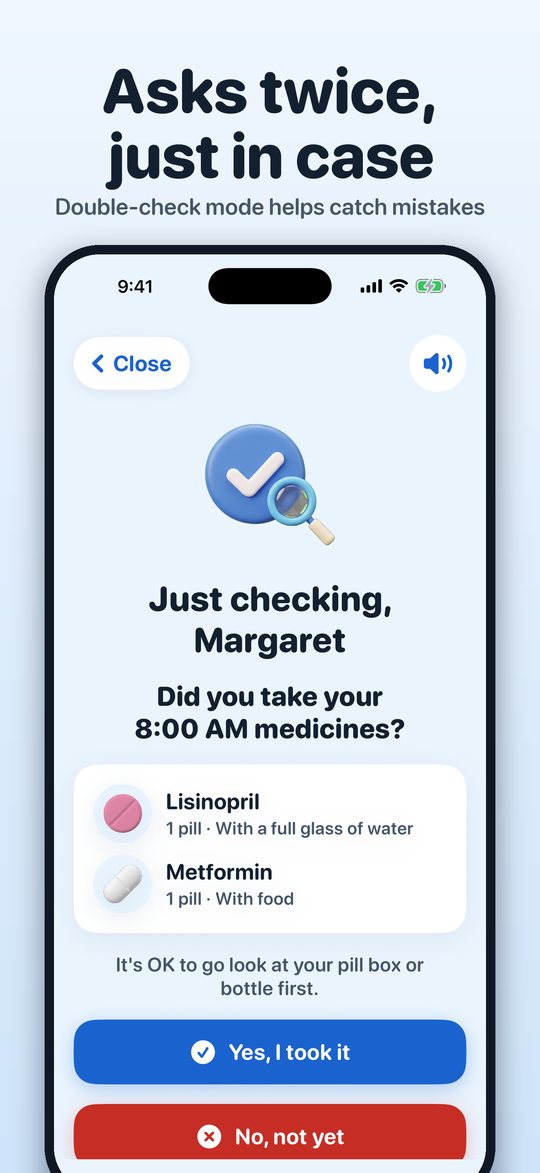
Double-checks, just in case
A little later, Remembell asks: "Did you really take it?" It helps catch the times a button was tapped by mistake.
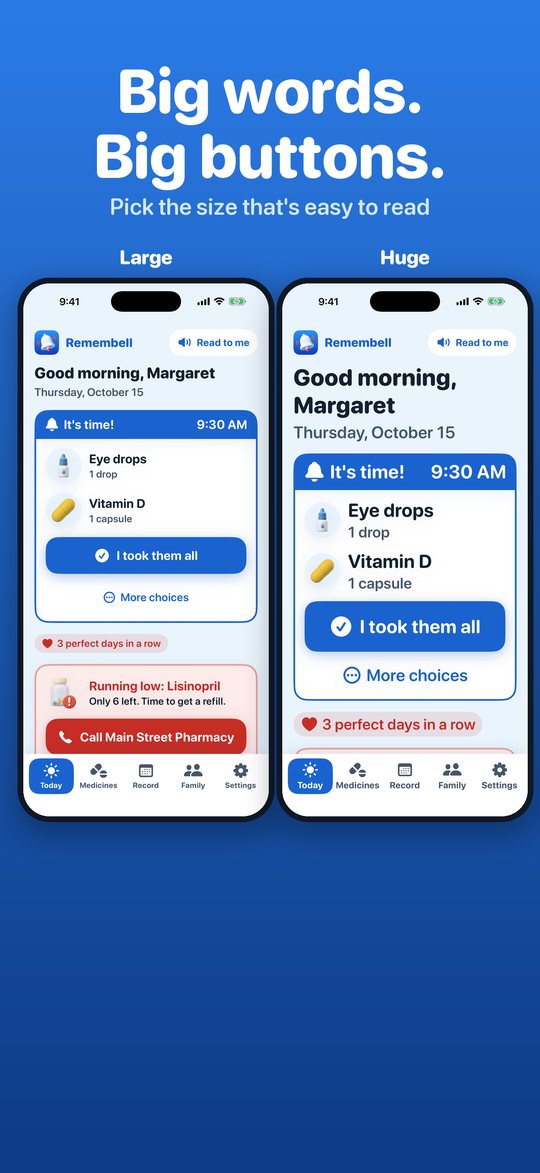
Big, clear and calm
Pick the text size that's easy to read. Pictures of each pill, plain words, and a voice that reads it out loud.
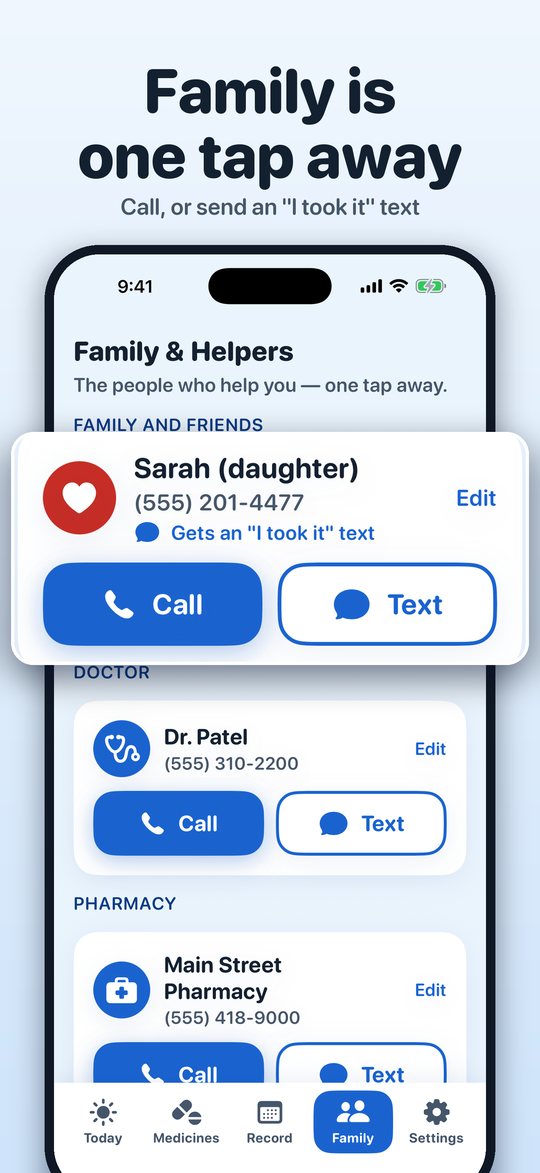
Family, one tap away
Call your family, doctor or pharmacy with one tap — and send a quick "I took my medicine" text.
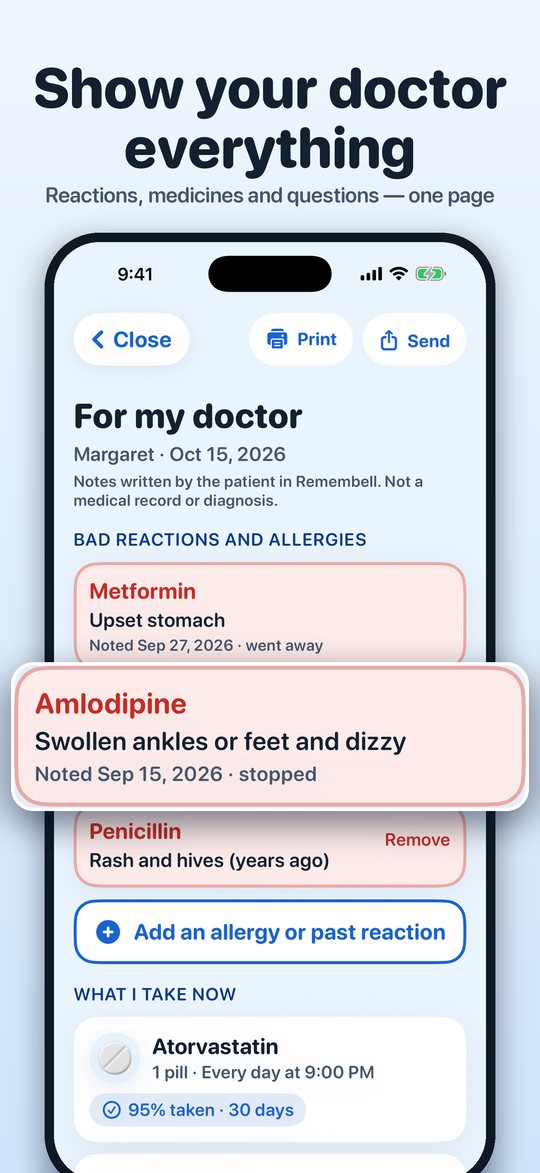
Show your doctor everything
One page with what you take, how well you've taken it, how it makes you feel, and your questions. Print it or send it.
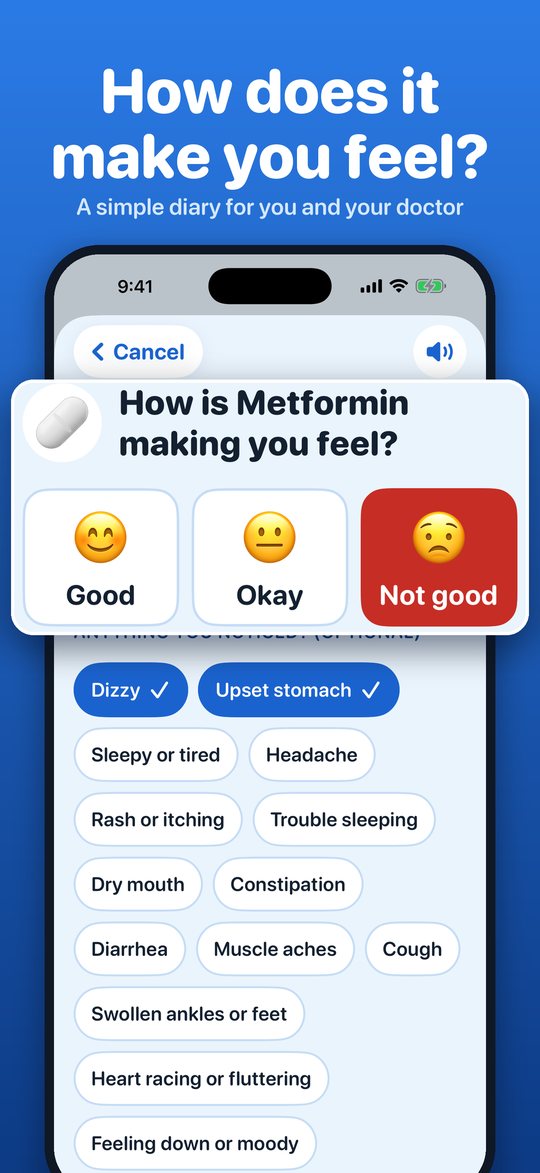
How does it make you feel?
Note how each medicine makes you feel. Reactions are flagged in red and kept — so a new doctor knows what didn't agree with you.
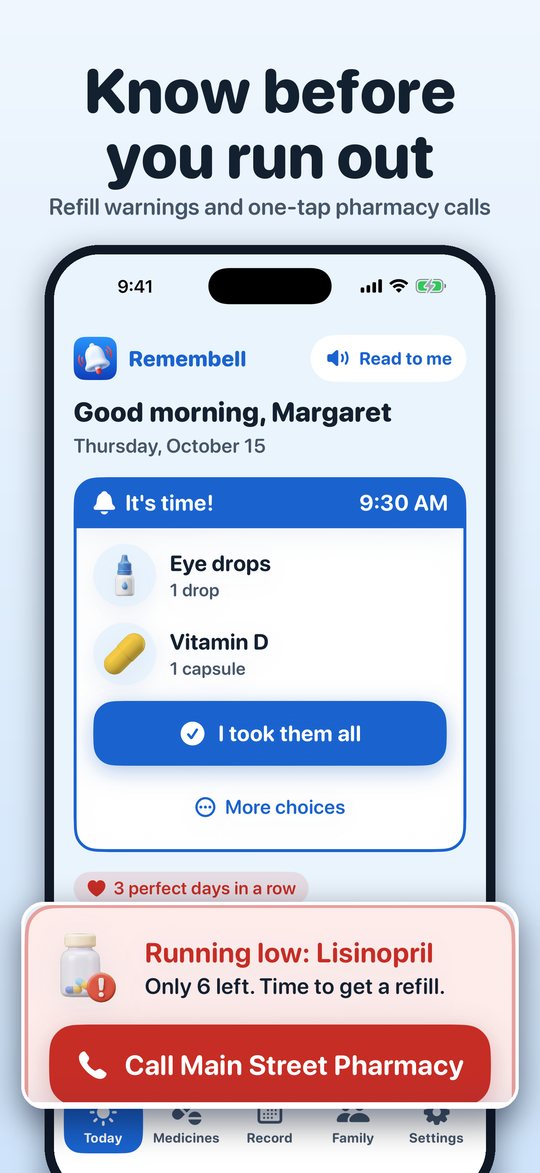
Know before you run out
Remembell counts your pills and tells you when it's time to call the pharmacy for a refill.
See it in 30 seconds
The alarm rings, one big button, a gentle double-check — and a simple way to tell your doctor how you're feeling.
See it in action
Swipe through — every screen is big, clear and simple.
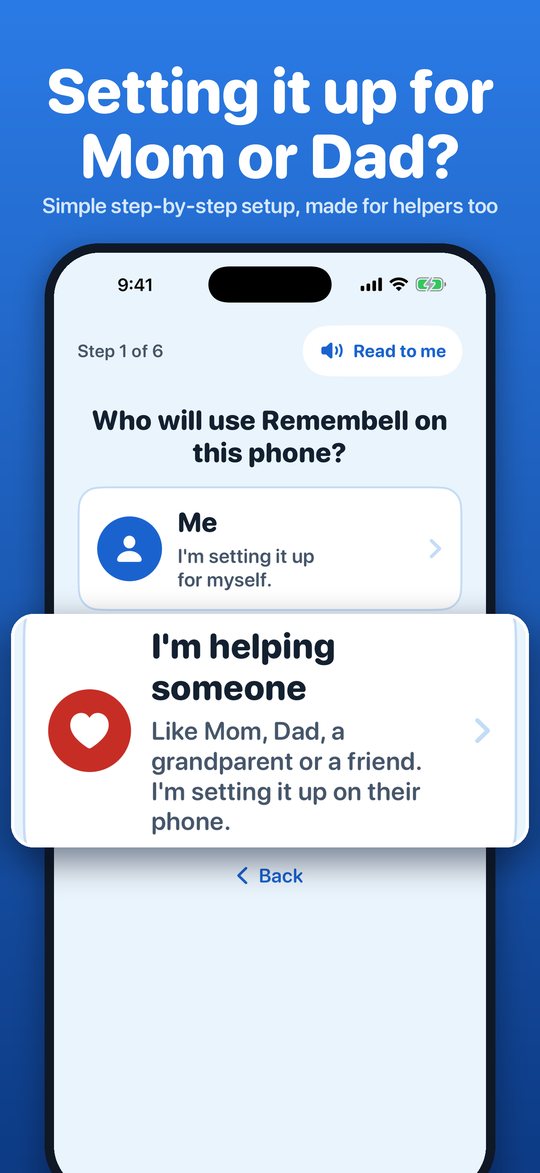
Setting it up for Mom or Dad?
Wonderful. You can add every medicine on their phone in a few minutes. Remembell asks for their name, picks a comfortable text size, and from then on it just works — no account, nothing to log into, nothing to remember.
Questions
Is Remembell really free?
Yes. No ads, no subscription, no account.
Does it work when my phone is on silent?
Yes. On iPhones with iOS 26 or later, Remembell can ring like an alarm clock — even on silent. On older iPhones it uses Time Sensitive notifications.
Can I lock Remembell?
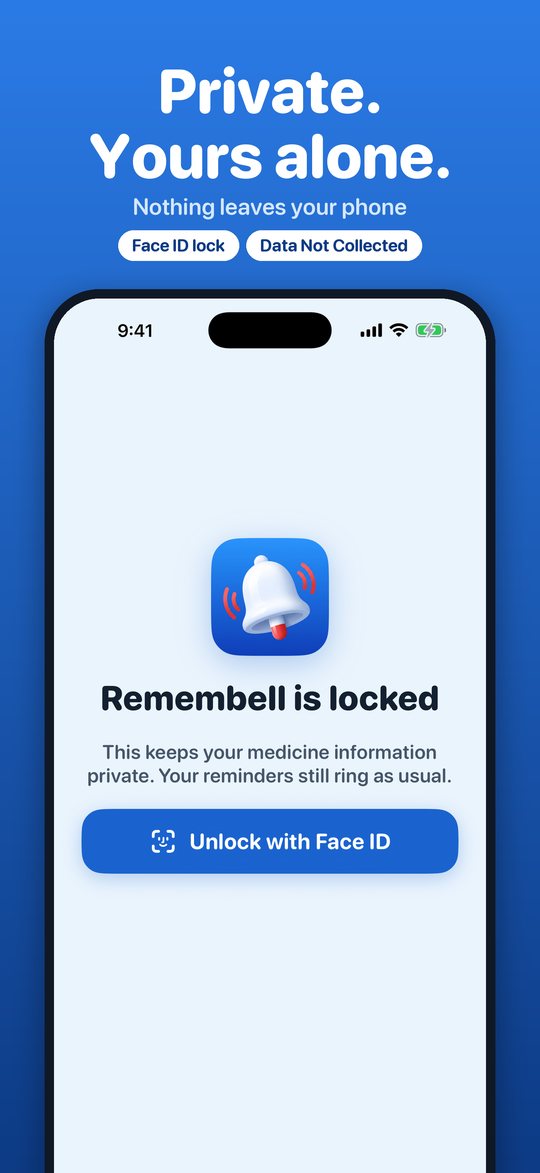
Yes. In Remembell, go to Settings → Lock Remembell and turn it on. It will ask for Face ID, Touch ID or your iPhone passcode when it opens. Your reminders still ring, and you can still tap "I took it" right on the Lock Screen.
Where is my information kept?
Only on your iPhone. Remembell has no servers and collects nothing. Read our privacy policy.
Can Siri help?
Yes — say "Hey Siri, did I take my medicine in Remembell?"
Can I keep track of side effects?
Yes. Note how a medicine makes you feel with three simple faces and a few taps. Remembell keeps your notes — even after you stop a medicine — and shows them on your doctor page. It's a diary, not medical advice.
Does it work on iPad?
Yes, Remembell works on iPhone and iPad.
Remembell is a reminder helper, not a medical device. It doesn't give medical advice. Always follow your doctor's and pharmacist's directions.